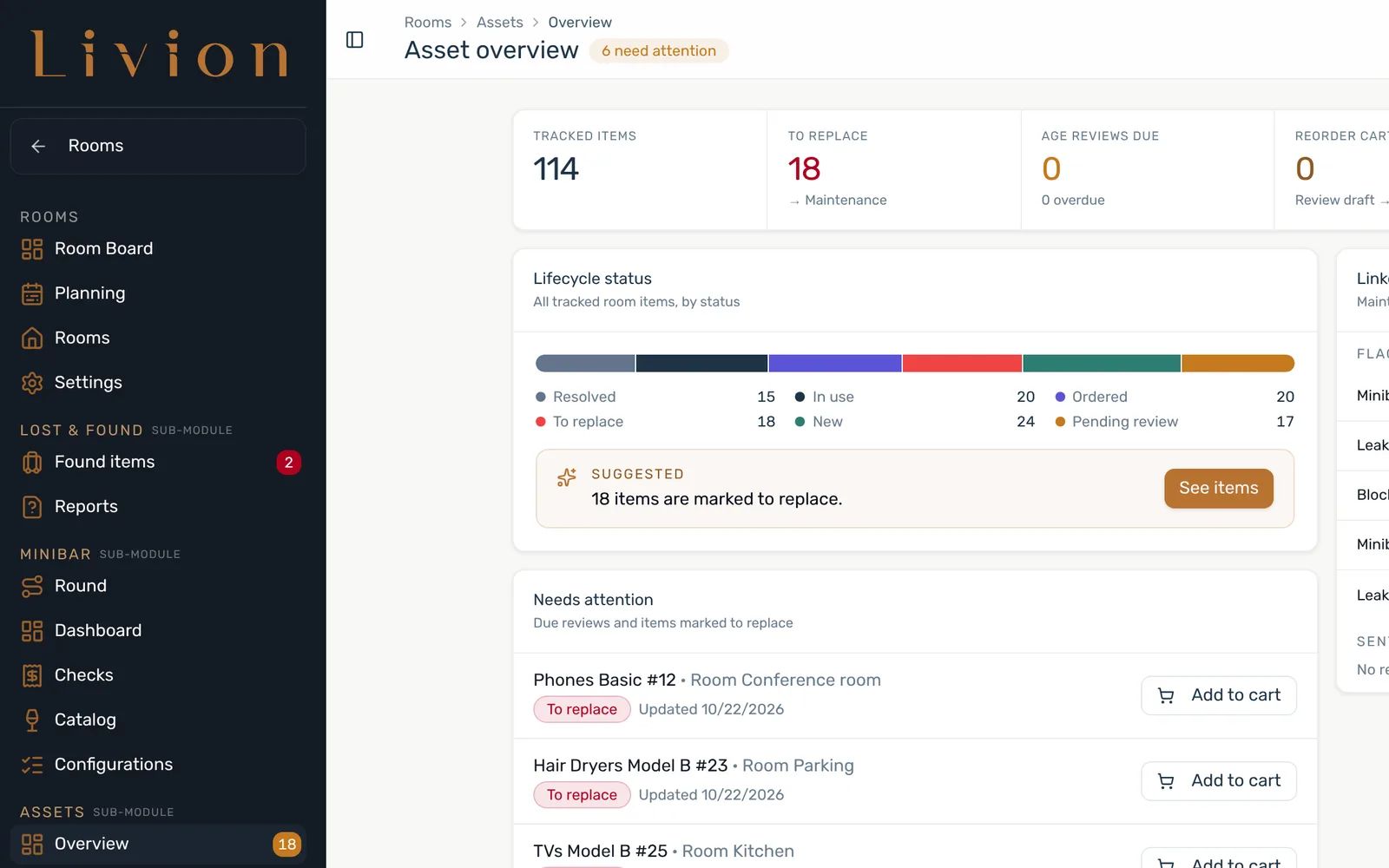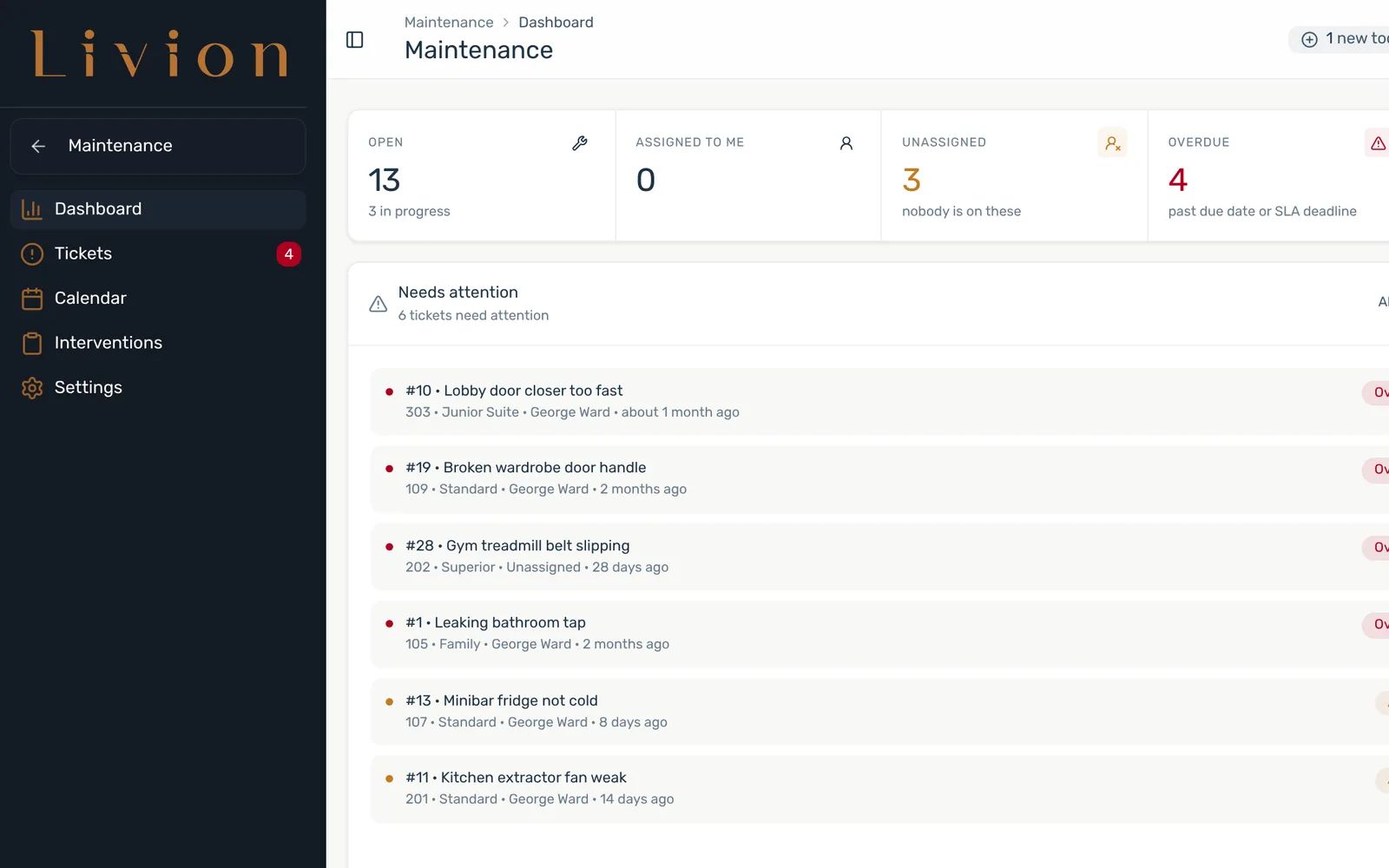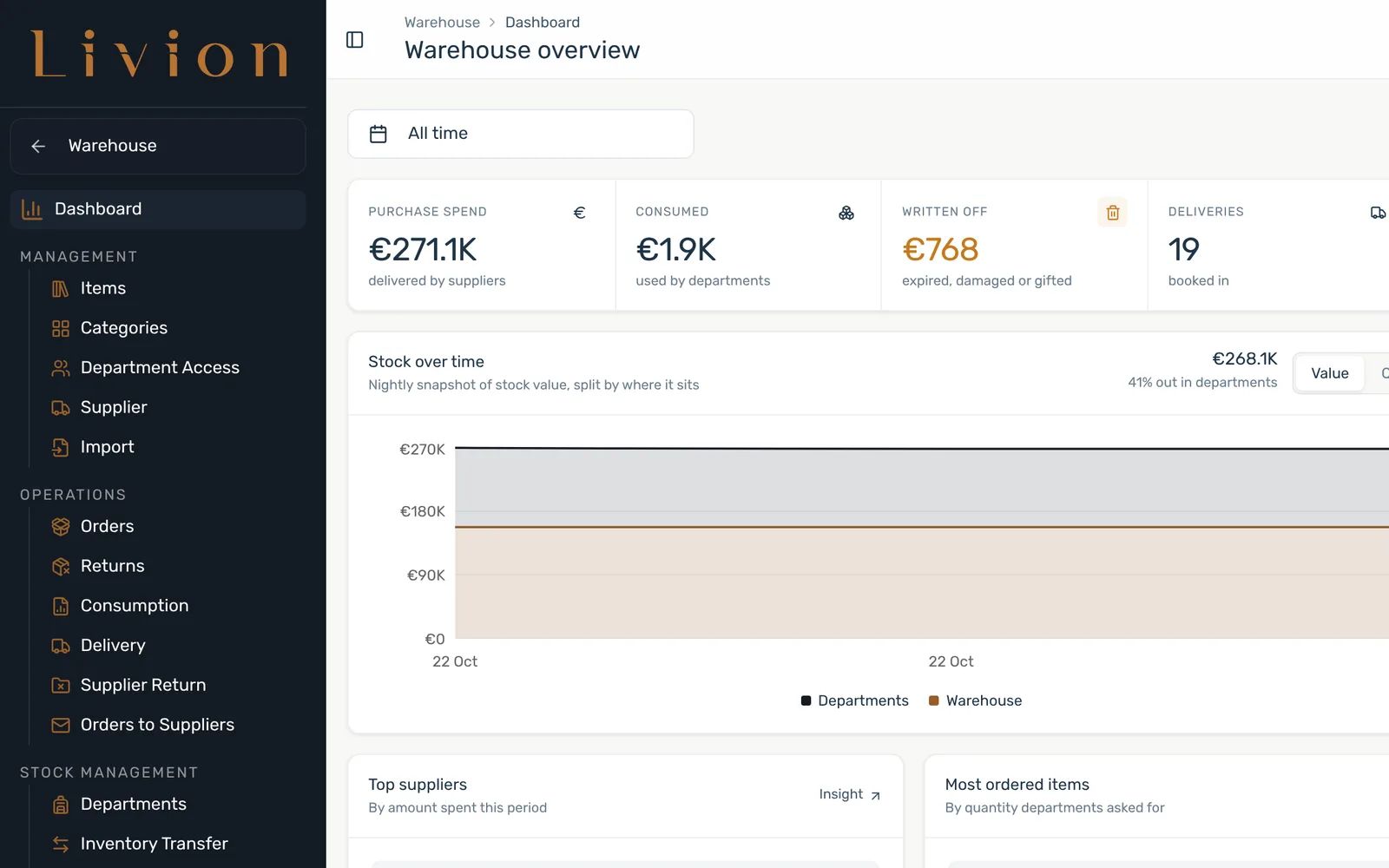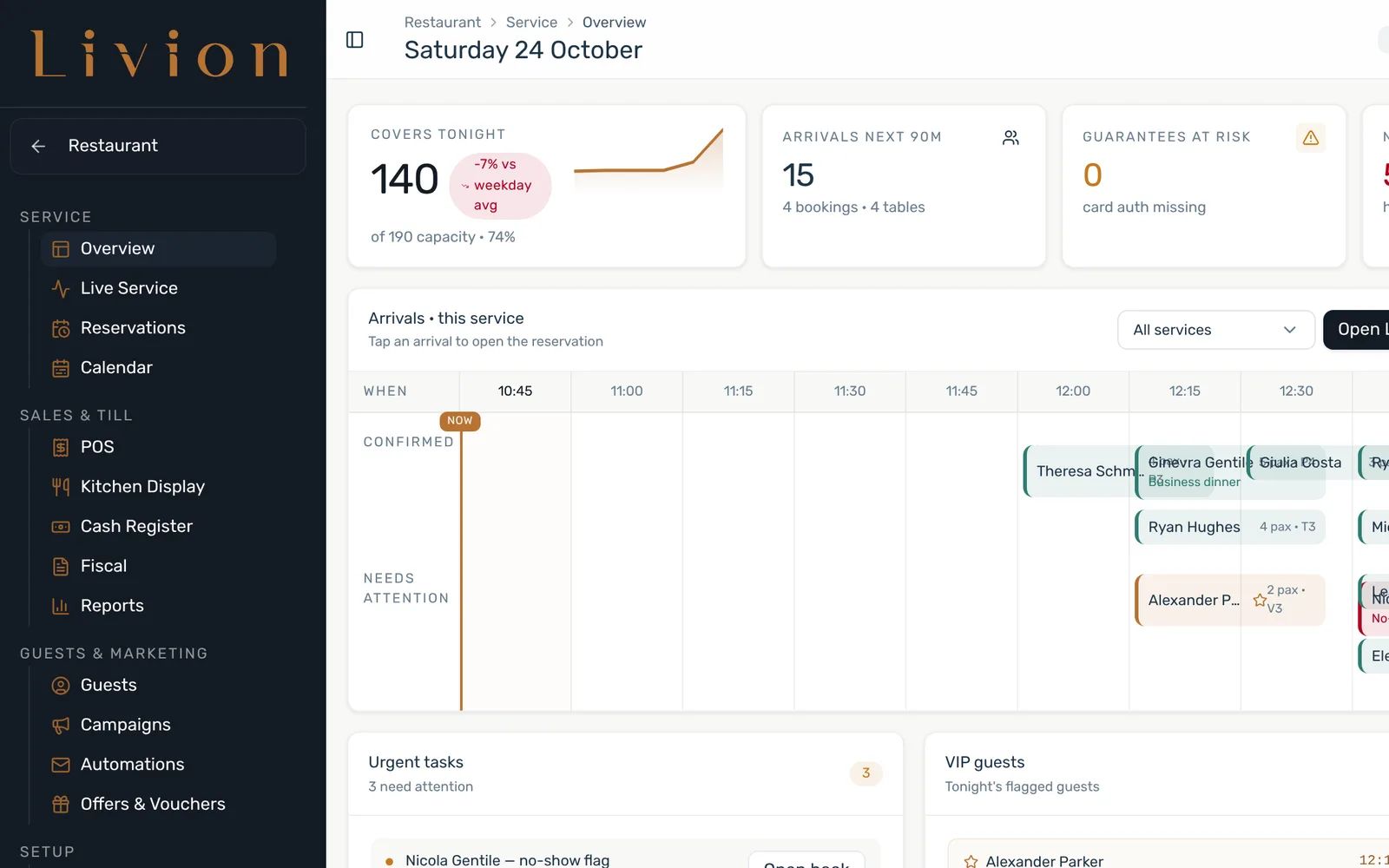
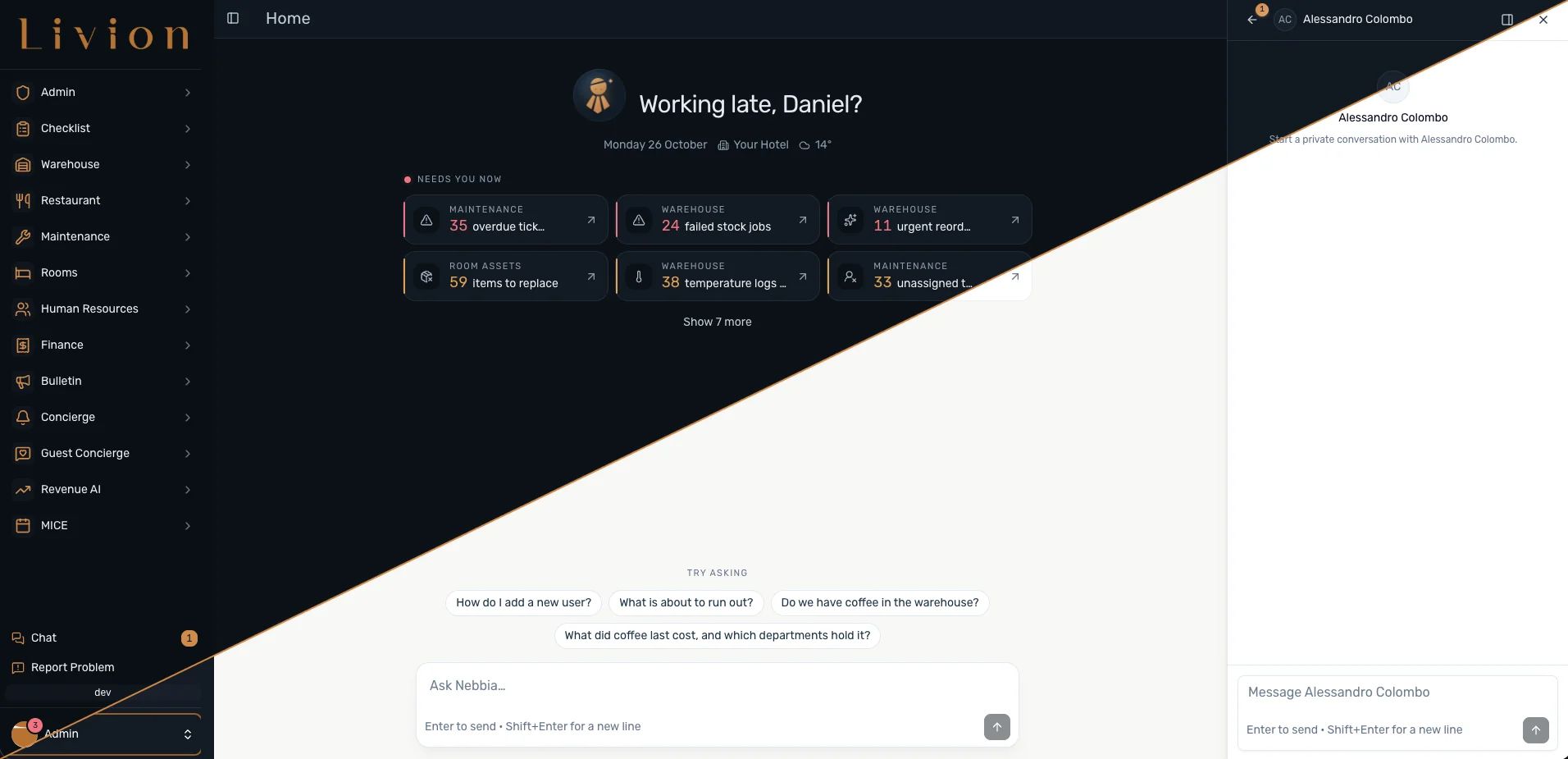
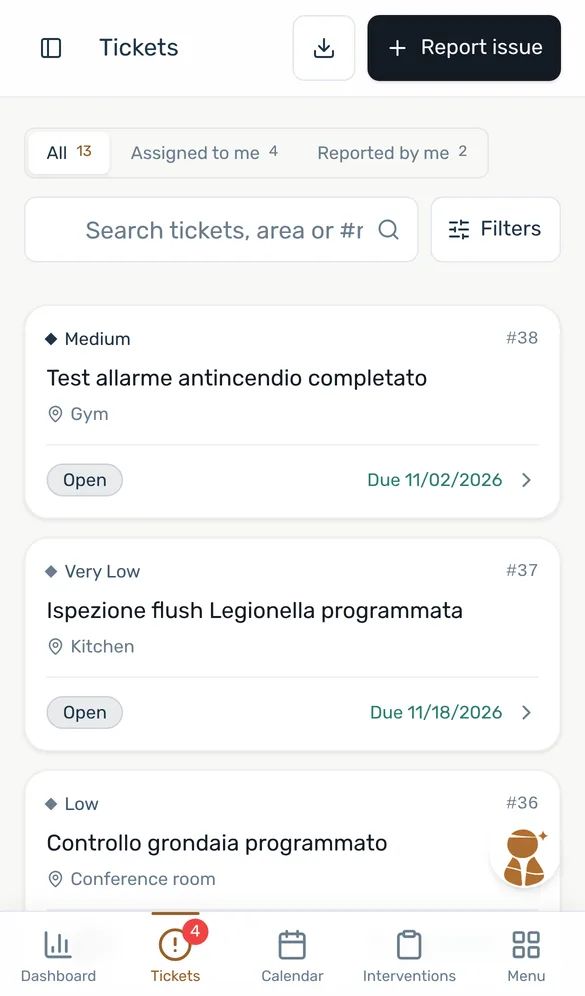
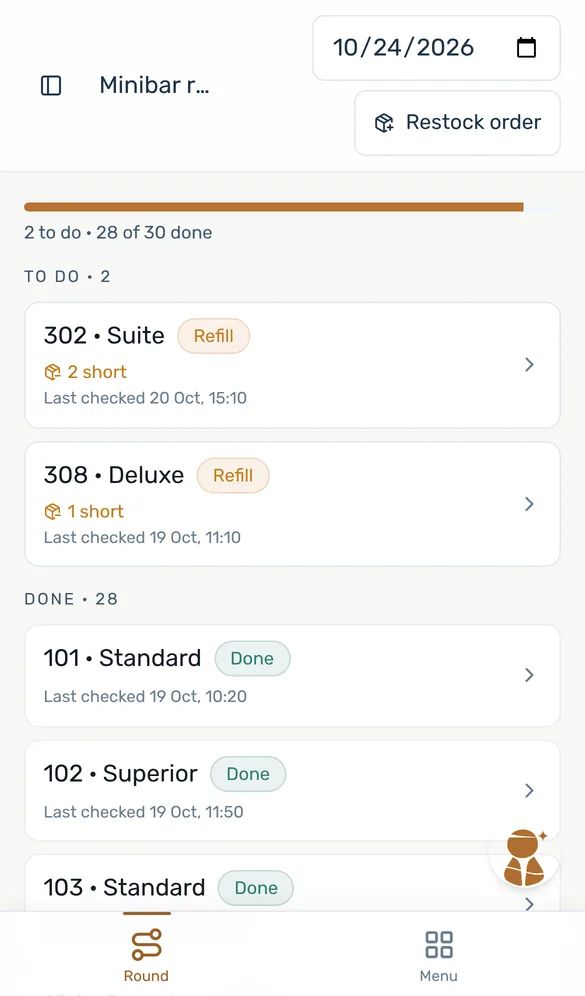
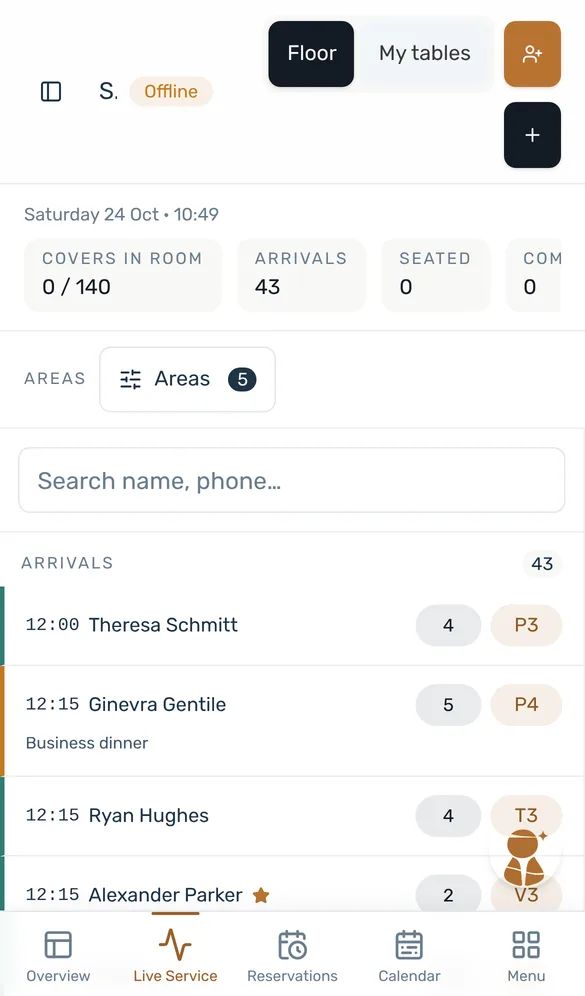
Nebbia answers and prepares the next step.
Ask in plain words, on the phone in the corridor or with ⌘J at the desk. Nebbia reads your rooms, tickets and stock inside your permissions, and nothing happens until a person confirms.
Livion connects your PMS, your team and every department behind the stay, so nothing gets lost between one desk and the next.
A broken air conditioner, a room that has to be ready by 15:00, a delivery at the back door: in most hotels each one travels by phone, chat and paper. In Livion it gets an owner, a status everyone can see and a clear next step, on the phones your team already carries.

How many separate tools does one Saturday in your hotel run on?
Illustrative example
A guest arrives in 312 at 15:00. Nobody does anything wrong, and still the message takes the long way round the hotel.
A Saturday at 85% occupancy: seven in ten guests leave, four in ten rooms get a new guest, 25 minutes per room. Move the slider.
Marta posts a photo of the unit in the WhatsApp group.
Twenty messages later, nobody knows who took it.
Calls around to find out which technician is on shift and whether 312 can still be given to the 15:00 guest.
The answer lives in one person’s head.
Walks to the store room to see whether a filter kit is there.
The stock list is last week’s spreadsheet.
The air conditioning works again.
Housekeeping and the front office don’t hear about it.
Calls housekeeping: “Is 312 ready?”
Ten minutes before the arrival, it is still a question.
Every hand-off by phone, chat or paper means retyping, asking again and hoping someone feels responsible. Multiply it by every department and every day.
Follow room 312 from the photo to the 15:00 arrival. Your PMS, housekeeping, maintenance and the warehouse each do their part, and everyone sees the same status. Press play or step through it.
Room 204 checked out at 10:42
A checkout in the PMS. The guest in 204 checks out in your PMS. Livion marks the room dirty and moves it to the top of the cleaning run: the next guest arrives at 15:00.
Saturday · 64 rooms · Illustrative data
Checkouts and room status come from your PMS where Livion is connected to it. What flows in each direction depends on your PMS, and we check that with you before you sign. Without a PMS, the team keeps the rooms up to date in Livion.
No new way of working to learn. The same work, with fewer hand-offs and fewer surprises.
A checkout from the PMS, a photo from the corridor, a supplier’s delivery note: each becomes the record the next person needs. Nobody copies it from paper into a spreadsheet.
Room status, open tickets and stock are visible to everyone who needs them, so the front office checks the board instead of the phone.
Every ticket and task has a name and a due time. Each automated step says whether Livion does it, a person approves it first, or a colleague gets it as a task.
What happened, who did it and when stays in one place. At the end of the shift there is no chat thread to scroll back through.
Runs in the browser, no app to install. Each person sees their own department, in their own language.


Nebbia and Livion Flow are not extra products to manage. They are how Livion kept the morning above moving: one answers and proposes, the other takes care of what happens next.
Ask in plain words, on the phone in the corridor or with ⌘J at the desk. Nebbia reads your rooms, tickets and stock inside your permissions, and nothing happens until a person confirms.
Automations read as plain sentences. Each step says who does it: Livion on its own, a named person who approves first, or a colleague who gets the task.
One automation, one sentencean asset is reported broken
priority is High or Critical and the room isn’t already out of order
create a maintenance ticket and ask front office to block the room
Pick the department that causes the most phone calls today. Add the next one when you are ready: it already knows your rooms, staff and suppliers.


Livion works alongside it and runs the operation behind the stay. Tell us which PMS you use and we check together what the connection covers for it. Every module also works without a PMS.
Livion vs. a PMSFix one department first. Add the next when you are ready. You pay only for the modules you use.
How pricing worksRooms come from your PMS or are generated in one step, stock lists can be imported, and staff get an email invite. What the rest of the onboarding involves is agreed with you, in writing, before you sign.
An example with a connected PMS. What flows in each direction depends on yours.
A written quote within 1 business day. Livion is quoted per property: the modules you pick, the size of the property and the onboarding work. The quote includes the onboarding, in writing, so nothing turns up later.
An independent hotel that wants housekeeping or maintenance fixed now.
Rooms or Maintenance · Nebbia and Livion Flow · Checklists and bulletin included
Quote for this setupA hotel with its own restaurant and warehouse.
Rooms, Maintenance, Warehouse, Restaurant · PMS connection, where your PMS supports it · AI reading of delivery notes
Quote for this setupSeveral properties, one view for the management.
Each property keeps its own operation · Group managers compare across properties · Staff switch between properties
Quote for this setupTell us rooms, departments and PMS. The quote comes within 1 business day.
No. Reservations, rates, channels and check-in stay in your PMS. Livion runs the operation behind the stay: housekeeping, room assets, lost & found, maintenance, stock and the restaurant.
Where a connection exists, it covers stays, rooms, closures, housekeeping status and restaurant room charges. Which PMS systems are connected today, and what each one supports, varies, so tell us which PMS you use and we will tell you honestly where it stands. Every module also works without a PMS.
Rooms come from your PMS or are generated in one step, stock lists are imported, staff get an email invite. Reporting a problem is a photo and a sentence, so there is nothing to learn for that. The rest of the onboarding is scoped with you before you sign.
Yes. Livion runs in the phone’s browser, there is no app to install. Housekeeping and technicians use it in the corridor, managers at the desk.
Italian, German and English. Each person picks their own, and emails to suppliers and guests go out in the recipient’s language.
It depends on your property, the modules you pick and the onboarding. Tell us about your hotel and we send you a written quote within 1 business day. The three ways to start above show what is typically included.
Yes. Most hotels start with Rooms, Maintenance or Warehouse. When you add the next module, your rooms, suppliers, staff and permissions are already there.
Yes. Each property keeps its own operation, and group managers can see and compare all of them.
The AI assistant built into Livion. Ask about arrivals, dirty rooms, tickets, stock or tonight’s bookings and it answers from live data. It can also assign tickets, log work or place stock orders, but only after the user confirms, and it only sees what that user’s role allows.
Livion is operated from Freiburg, Germany, under the GDPR. Hosting region, backup and encryption details are part of the security documentation we share during your evaluation.
30 minutes, no slides. Tell us your rooms, your PMS and the department that causes the most phone calls. We show that part of your operation in Livion, check what is possible with your PMS and sketch how a start would look.
A short walkthrough with a specialist, tailored to your property. Choose a time that suits you.
Loading available times…
Three lines are enough: rooms, PMS, what hurts most.
Get one practical email a month on running a tighter hotel operation. Written for hotel operators.